Why Looplet
How Looplet is different
Built for the handful of people you’d text first, not for an audience.
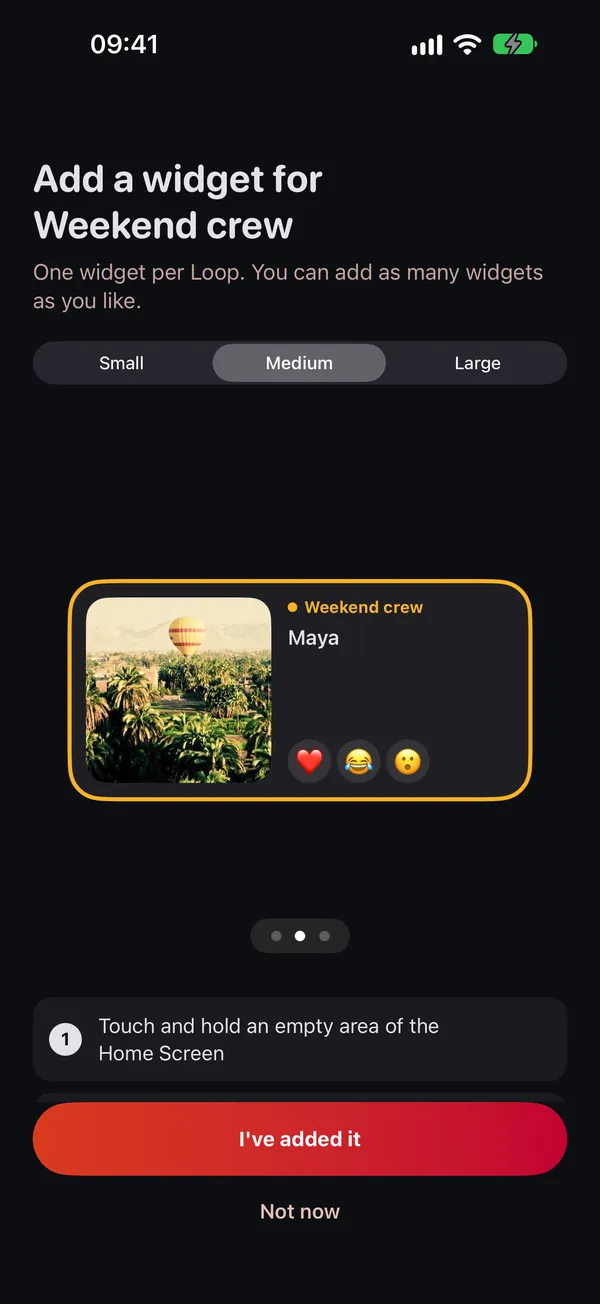
One widget per Loop
A separate widget for each Loop
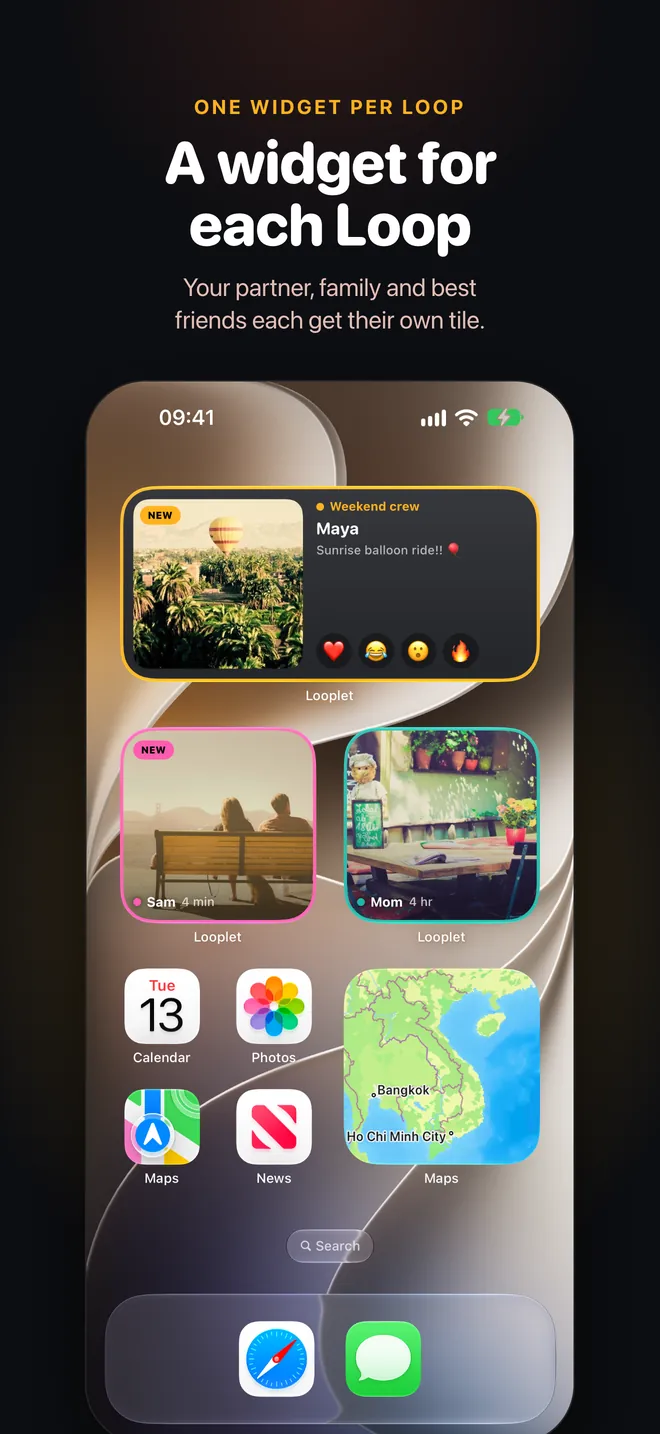
Not one feed of everyone. Your partner, your family and your best friends each get their own tile on your Home Screen, so you always know whose moment you are looking at.
- Small, medium or large widgets
- Each tile framed in its Loop’s color
- Each new widget asks which Loop to show
You choose
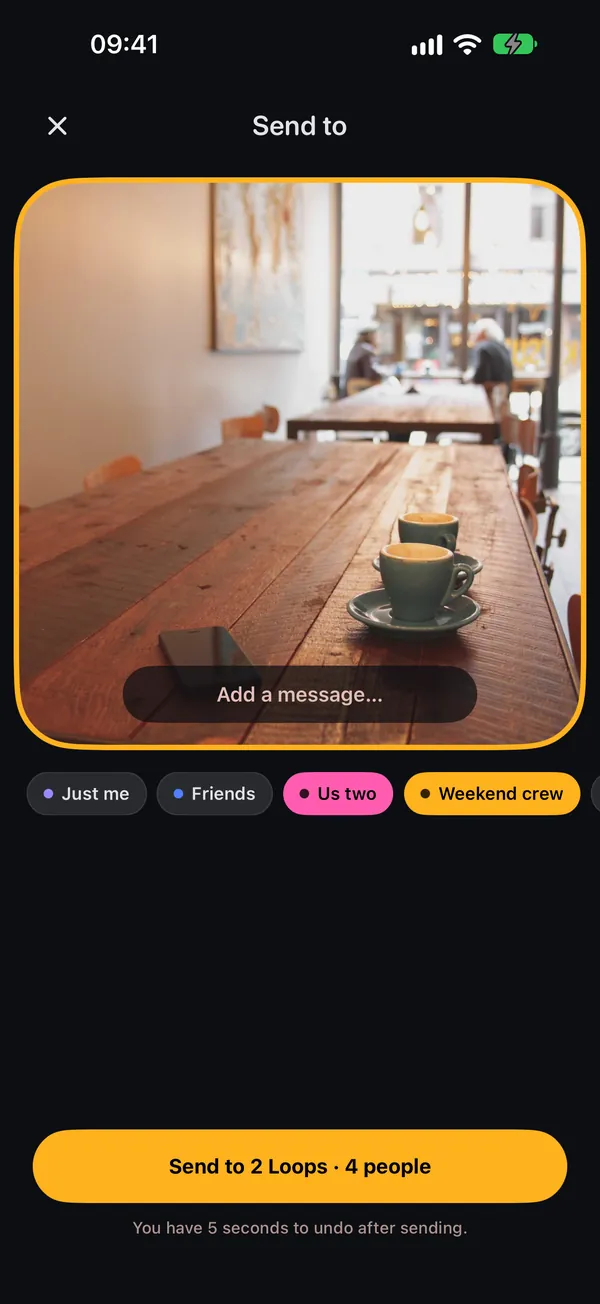
Pick who sees every photo
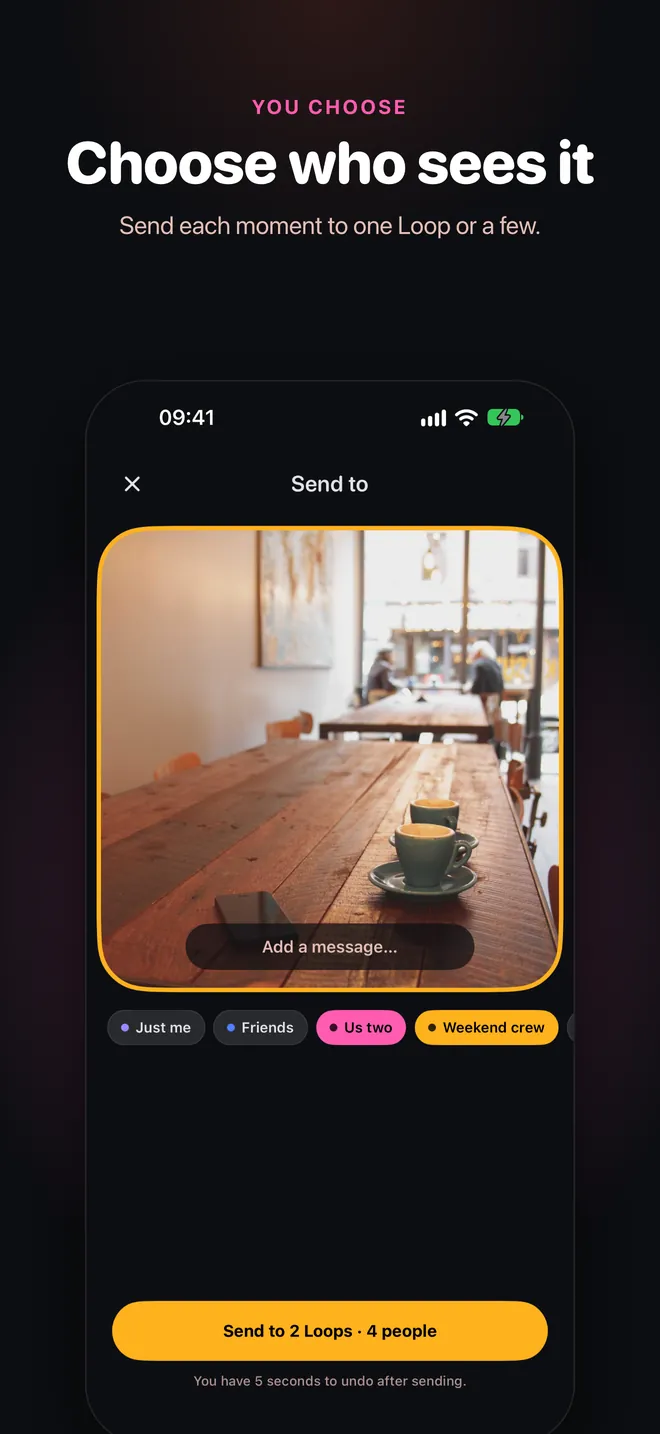
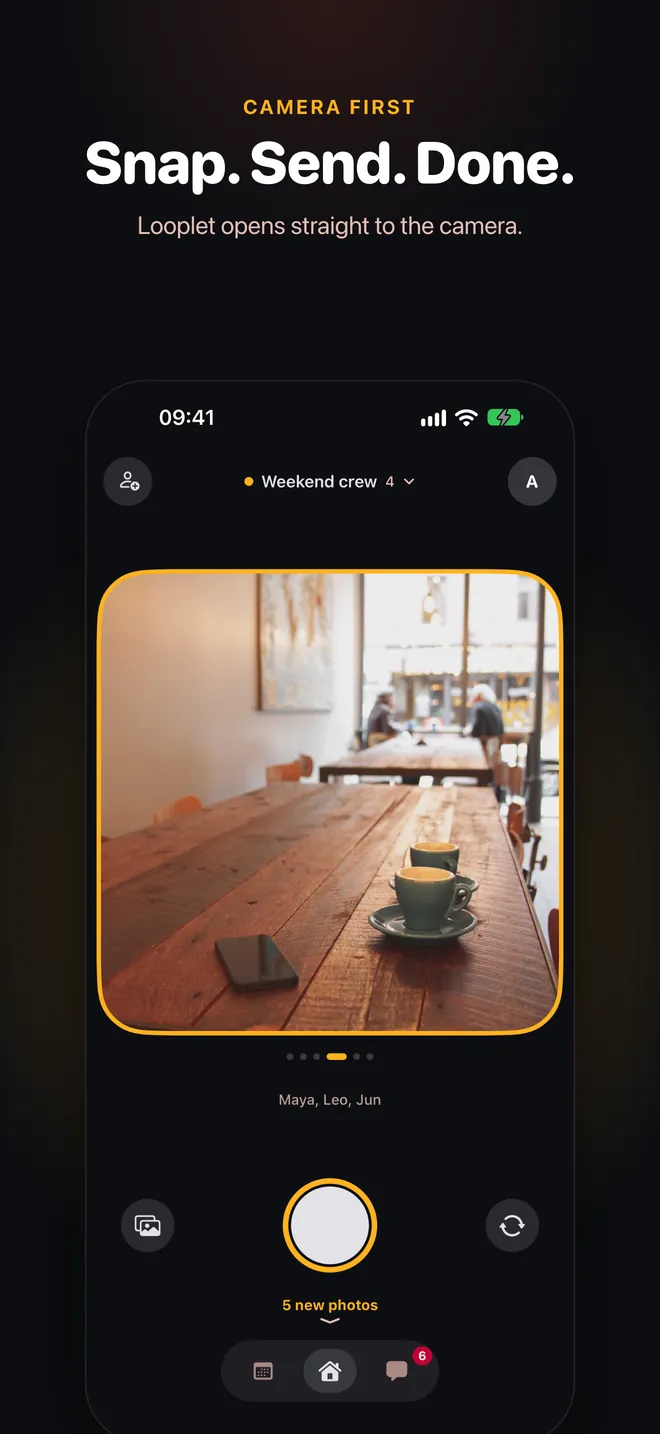
Before you send, tap the Loops that should get it: just your partner, the family, or a few at once. Nobody outside those Loops sees it.
- Send to one Loop or several
- Add a caption
Private by design
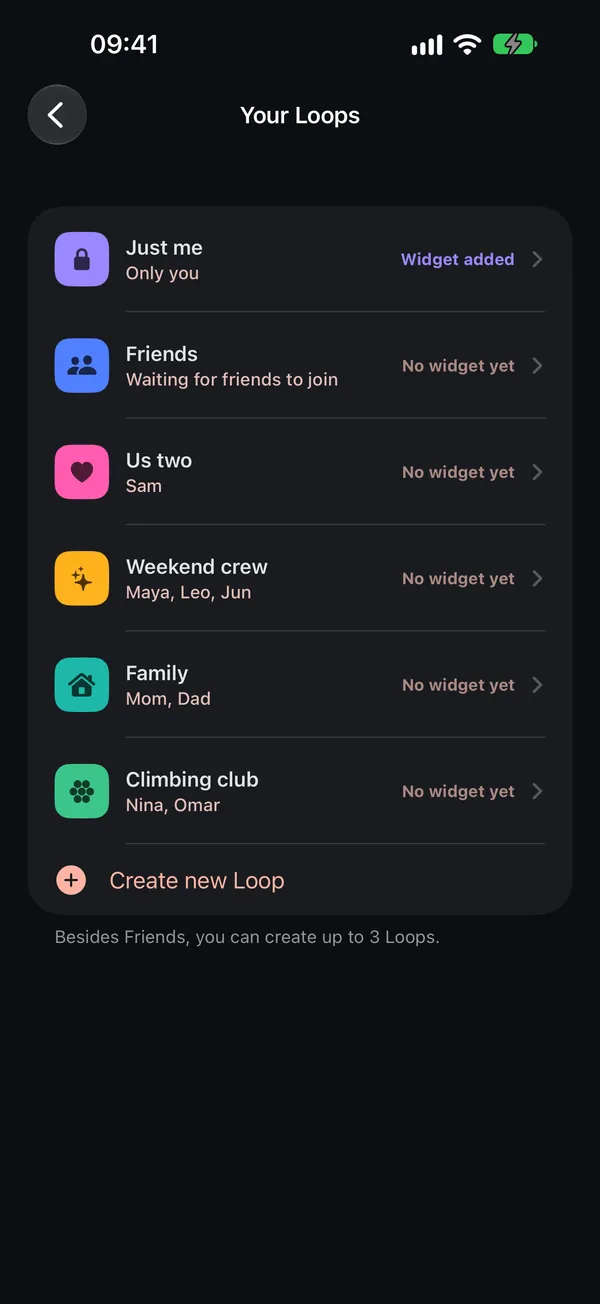
Small circles, not followers
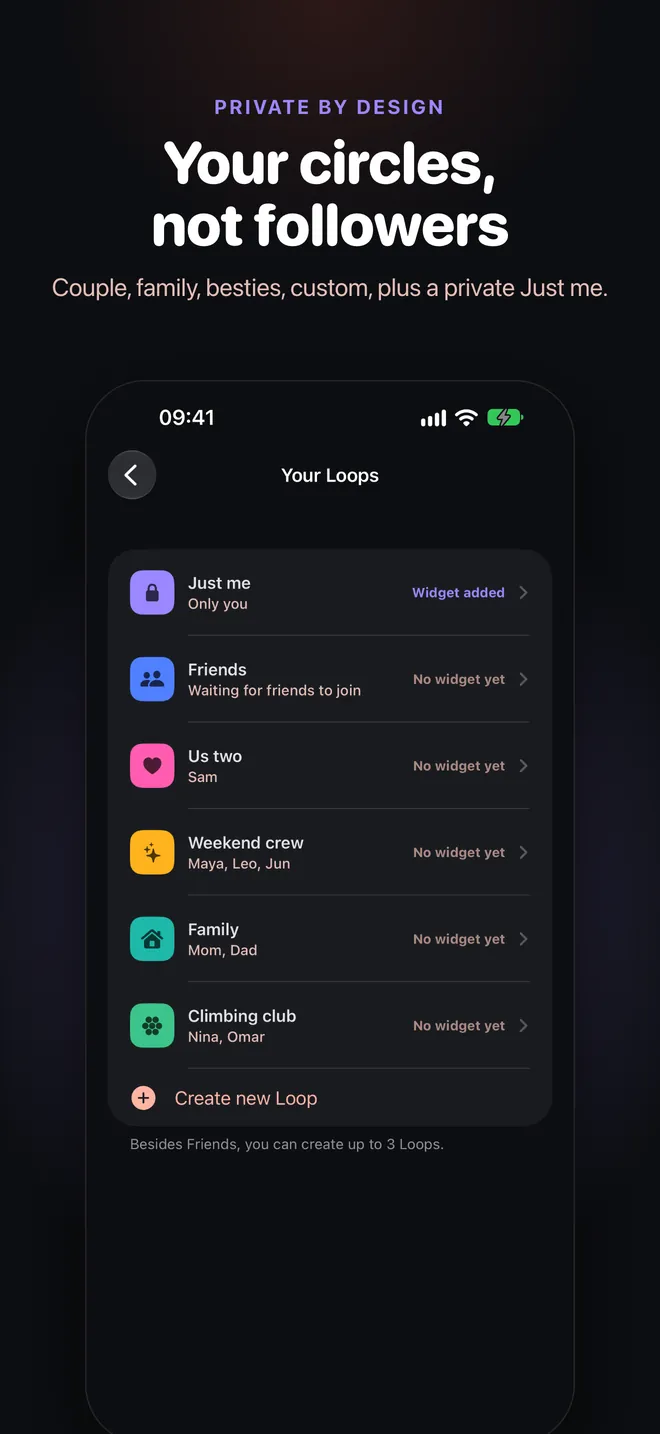
Loops have clear, small audiences: Couple for two, Besties, Family and your own custom Loops. Everyone also has a private Just me Loop that only you can see.
- Couple 2 · Besties 10 · Family 20 · Friends 20
- No public profiles or follower counts
- Just me is backed up privately
Memories
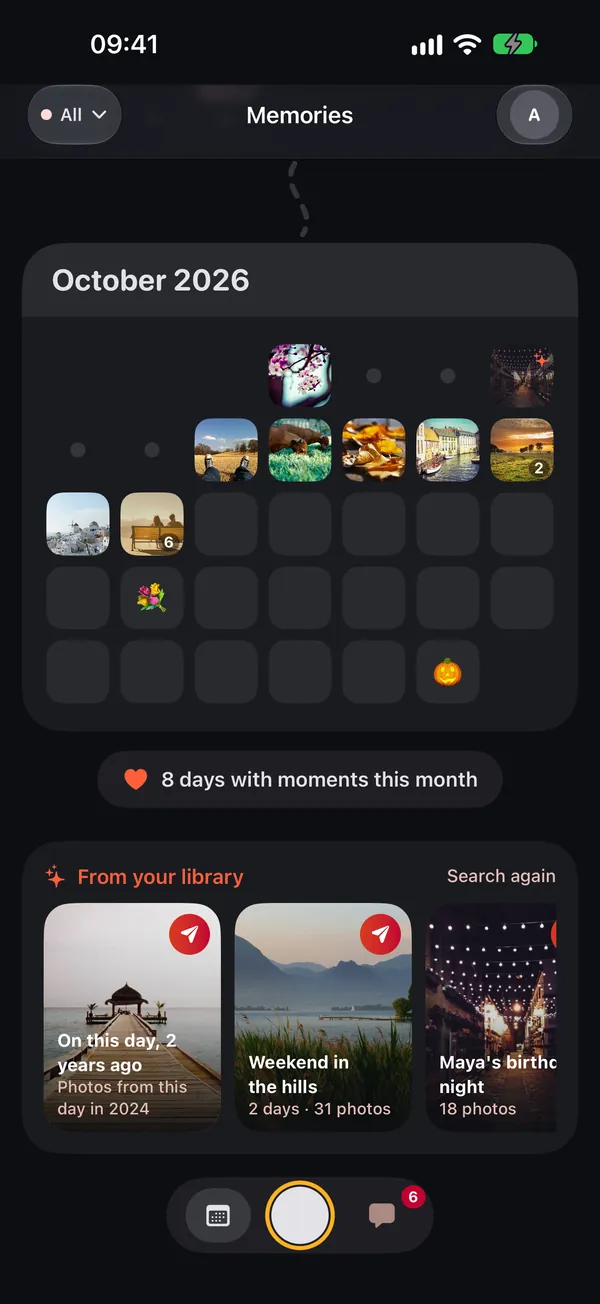
Memories found on your phone
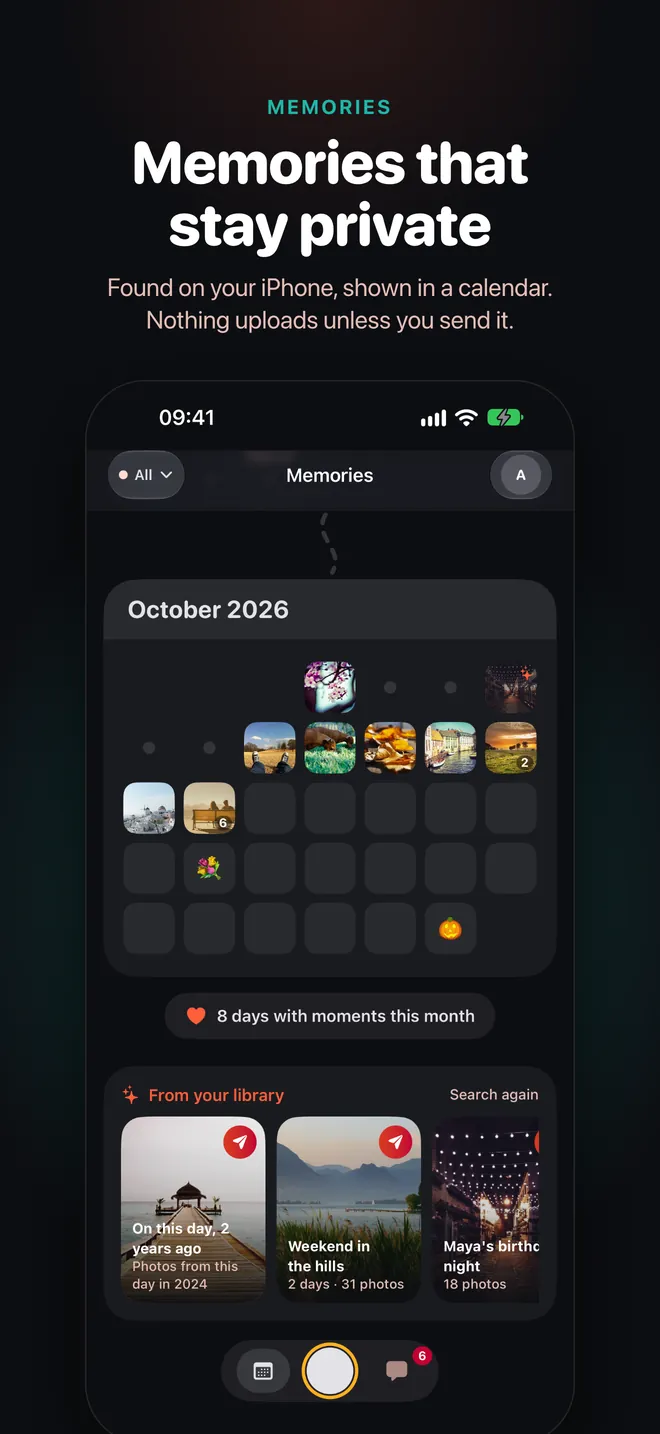
Looplet finds moments in your own photo library and lays them out in a calendar, right on your device. Nothing uploads unless you choose to send it.
- “On this day” moments from past years
- A calendar of your moments, month by month
- Works privately, on-device
Richer replies
Answer with your voice, or a tap
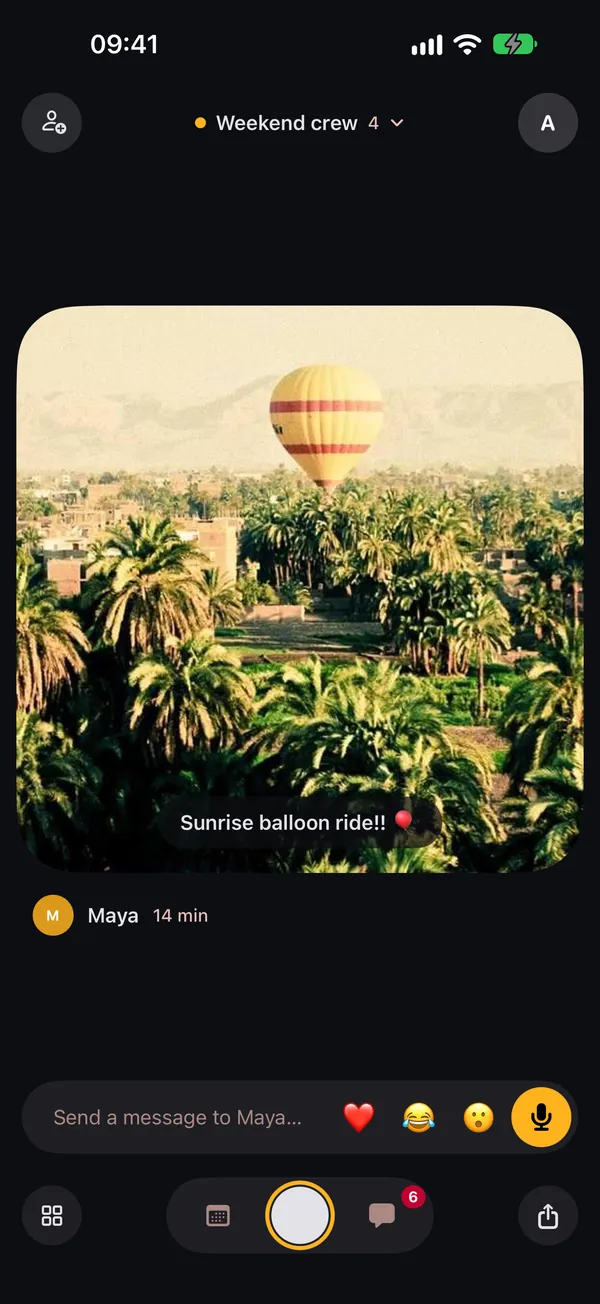
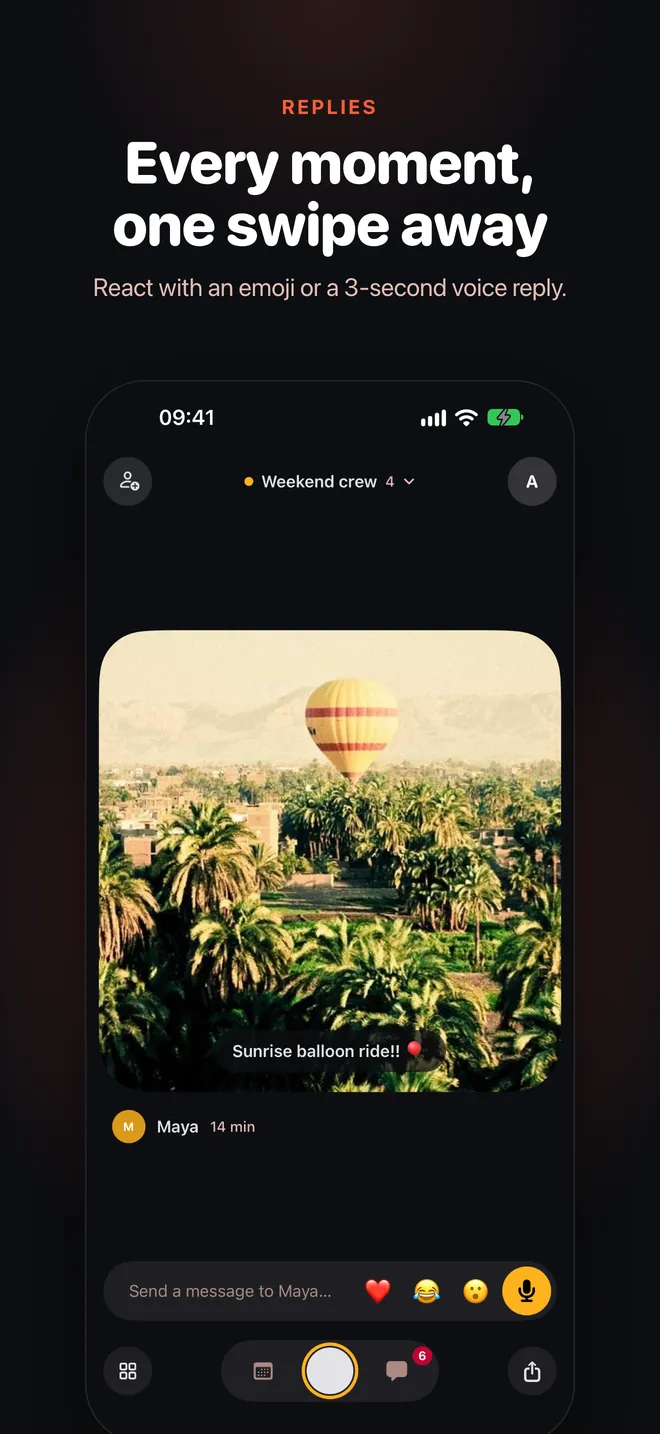
Swipe up through a Loop’s moments and reply with a 3-second voice note, an emoji, or a message. You can even react with an emoji straight from the widget.
- 3-second voice replies
- Emoji reactions from the widget
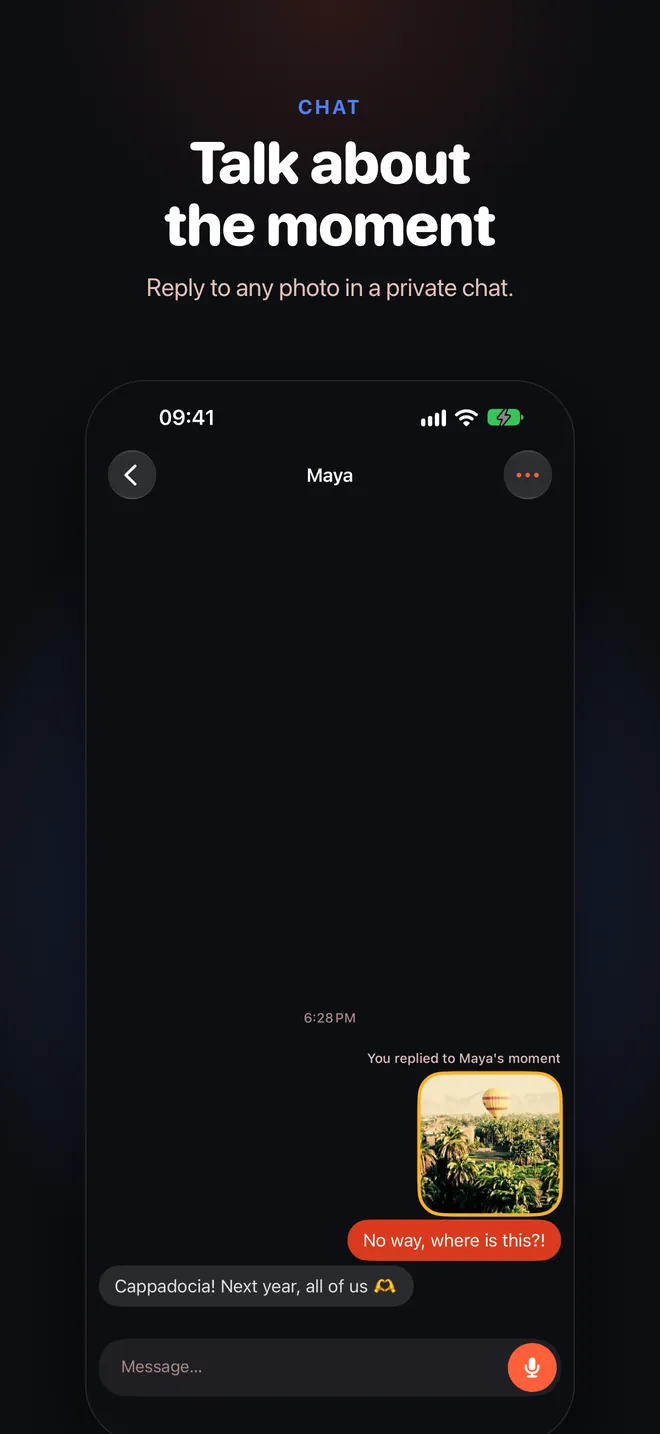
- 1:1 chat with “typing” and “seen” you can turn off
A look inside
See it on iPhone
Privacy
Private by default
Plainly: who sees what, and what stays on your phone.
Memories stay on your phone
Memories are found in your photo library on your device. Nothing uploads unless you send it.
Contacts never leave your phone
Looplet reads Contacts on your phone only to help you pick who to invite. They are never uploaded.
Photos go only where you send them
Each photo is delivered only to the members of the Loops you pick. No public feed, no followers.
Just me, backed up privately
Photos in your Just me Loop are backed up so they survive signing out, and only you can see them.
Delete your account in the app
Me → Delete account removes your account and what you’ve shared. No email needed.
No ads
Looplet doesn’t show ads, doesn’t sell your data and doesn’t use third-party ad tracking.

Put your people on your Home Screen
Start a Loop, send the link, and see their next moment right on your Home Screen.
Open looplet.plus on your iPhone to install it.
- Free
- No ads, no feed
- Private by default